
Have you ever dreamed of sharing your expertise with the world? The internet makes it easier than ever to create online courses, and WordPress is a fantastic platform to build your own online teaching space. But who needs fancy coding? There are some awesome plugins that can turn your WordPress site into a full-blown online learning platform. To make it even easier for you, we have compiled a list of the top-performing plugins that can change the way you grow your business. Explore their features, strengths, weaknesses, and payment options. Make an informed decision, and let’s get learning (and earning)!
Disclaimer: The article may contain affiliate links.
LearnPress
Price: Starts at $149 for a lifetime
Trial option: There is a free version of the plugin
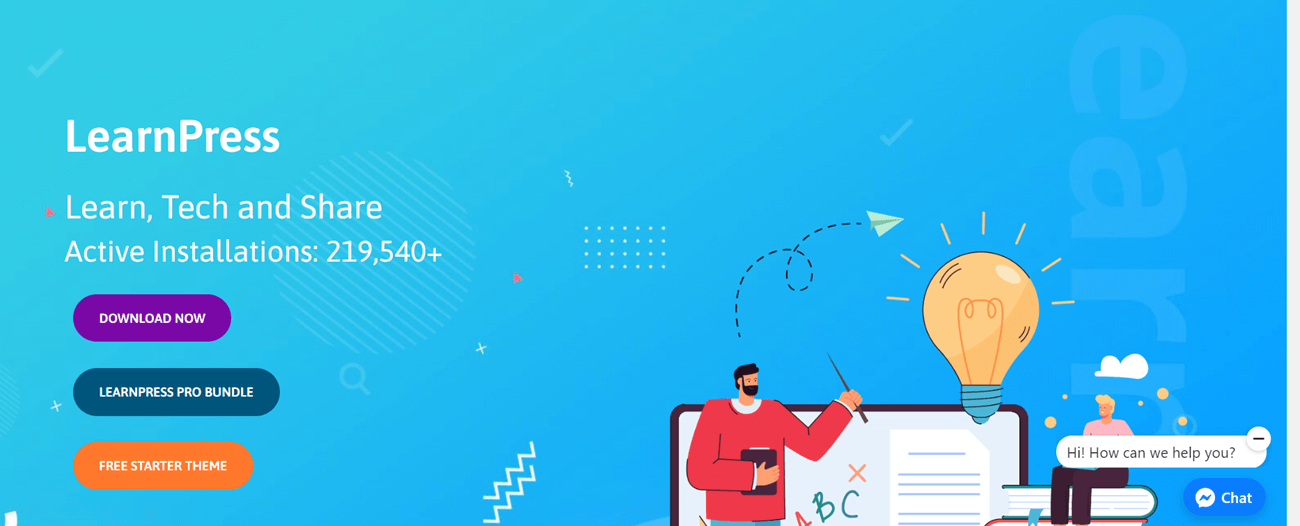
LearnPress is a popular WordPress plugin by ThimPress that lets you quickly build and manage online courses. Trusted by over 100,000 users, it’s a powerful tool for educators and training organizations to create a complete online learning platform.
Key Features and Pros
➤ LearnPress is designed to work smoothly with any WordPress theme you choose.
➤ The plugin supports WordPress Multisite, allowing you to create a network of learning websites.
➤ LearnPress offers a user-friendly interface with drag-and-drop functionality.
➤ You can create a full curriculum, edit lessons, and even import and export courses from other LearnPress sites (with more import options coming soon from other LMS platforms).
➤ LearnPress makes it easy to manage everything. You can share your course, track student enrollment, and view course statistics to see how your students are progressing.
➤ Though LearnPress is free, it allows you to sell your courses with support for popular payment gateways like PayPal, WooCommerce, and Stripe.
➤ Integrate LearnPress with BuddyPress to create a forum for students and instructors to connect, ask questions, and build a community around your courses.
➤ The plugin offers a variety of add-ons to enhance your LMS platform. You can even create custom add-ons to tailor the plugin to your specific needs.
➤ LearnPress supports multiple question types to keep your assessments interesting. You can also create a variety of quizzes to assess student learning.
➤ Easily accept payments through multiple gateways. With LearnPress, you can monetize your courses and expertise.
➤ The intuitive drag-and-drop builder makes structuring your lessons and content accessible.
Cons
✖ While LearnPress offers documentation, it might be limited or unclear in some areas.
✖ Consider exploring additional resources or the community for troubleshooting, as support options may be limited.
✖ The free version of LearnPress may display advertisements at the bottom of directory pages.
✖ While LearnPress offers a free plugin, users requiring advanced features may find the cost of additional add-ons to become significant.
Payment Options
LearnPress offers a robust core plugin that’s completely free to use. It gives you everything you need to create and sell online courses. While LearnPress is free, premium add-ons and theme bundles are also available. These extensions provide additional features and customization options to take your online courses to the next level. Here are the paid plans:
- LearnPress Semi-Pro Bundle – $149
- LearnPress PRO Bundle – $299
LearnPress is a user-friendly WordPress plugin designed for anyone who wants to create and sell online courses. It includes tutors, educational websites, and entrepreneurs. Building your course content is simple – you can easily structure a curriculum with lessons and quizzes to help students learn and track their progress. And the best part? No coding knowledge is required! LearnPress is built for users of all technical backgrounds.
LearnDash
Price: Starts from $199/year for 1 site
Trial option: No
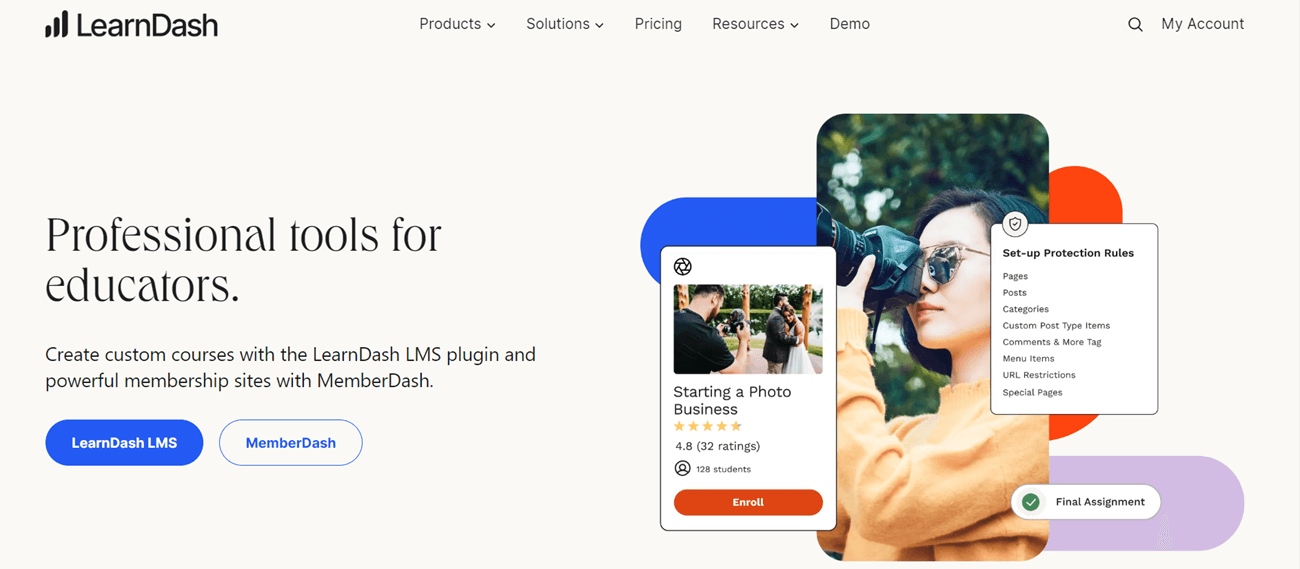
LearnDash is a popular option catering to a wide range of users, from established academic institutions to solo course creators and everything in between. This popular WordPress LMS plugin allows you to create unlimited courses jam-packed with lessons, topics, quizzes, and assignments.
But LearnDash goes beyond the basics. It also boasts built-in features to charge one-time or recurring fees for your courses. On top of that, it offers advanced options like content dripping and course prerequisites, keeping your students engaged and on track.
Overall, LearnDash is a serious contender for the “top WordPress LMS plugin.”
Key Features and Pros
➤ The AI Course Outline Builder helps you start by generating lesson titles based on your input.
➤ The Onboarding Wizard walks you through maximizing LearnDash’s potential from installation onwards.
➤ Offer a comprehensive learning experience by integrating both online and in-person elements.
➤ Create courses with ease using the industry-leading drag-and-drop interface.
➤ Efficiently manage assignments with features for approval, commenting, and awarding points.
➤ Set course start and end dates to create a cohort-based learning experience.
➤ Gain valuable insights into your course’s success and status with the comprehensive Course Dashboard.
➤ Set any page as your course completion page to encourage reviews or promote additional courses.
➤ Engage learners with various question types, custom messages, and flexible display options. Take it a step further with AI Quiz Builder for automated question generation.
➤ Set prerequisites to control access to specific courses, lessons, or quizzes.
➤ LearnDash offers tailored content delivery. Drip-feed lessons or choose linear or open progression for your course content.
➤ Extend access expiration dates for individual students as needed.
➤ Sell courses individually, offer subscriptions with recurring payments, or pre-sell courses to generate early interest.
➤ Choose between the built-in payment system or integration with WooCommerce for a complete shopping cart experience.
➤ With the MemberDash plugin, you can create memberships, restrict content, and more.
➤ Offer bundles at discounted prices to provide additional value for students and boost sales.
➤ Skip the shopping cart with Stripe integration for a smooth checkout process.
➤ Utilize detailed developer documentation, hooks & filters, and the REST API to create custom functionalities.
➤ LearnDash works seamlessly with any WordPress-reviewed theme you choose. You can also get started quickly with templates designed specifically for LearnDash.
➤ Incorporate images, videos, audio, SWF files, HTML5, SCORM, and xAPI (requires a separate paid add-on) into your courses.
➤ Explore over 100 add-ons created by developers to enhance LearnDash’s flexibility further.
➤ As an open-source platform, LearnDash gives you complete control to tweak the source code to tailor the LMS to your specific needs perfectly.
➤ The LearnDash development team is constantly innovating, ensuring you have access to the latest features and functionality.
➤ Built-in tools make creating and selling online courses a breeze. No coding experience is required.
➤ Motivate learners and keep them coming back for more with gamified elements like points, badges, and leaderboards.
➤ Save time and streamline your processes by setting up triggers to automate tasks within your LMS.
➤ LearnDash integrates seamlessly with various course authoring tools, media types, page builders, and WordPress themes.
➤ Create unique course purchase options to suit any business model, from one-time payments to subscriptions.
Cons
✖ Given its extensive feature set, LearnDash may have a bit of a learning curve.
✖ LearnDash itself doesn’t have built-in marketing tools. You will need to develop your own marketing strategy to promote your courses.
✖ Frequent updates might cause occasional hiccups.
✖ The plugin doesn’t offer a free trial and can be expensive.
✖ LearnDash offers a high degree of customization, but familiarity with CSS is recommended for extensive design changes.
Payment Options
LearnDash doesn’t offer a free version or a trial option, meaning you need to familiarize yourself with the platform through reviews and demos. If you decide it is the right choice for your online courses, you can pick from the following bundles:
- 1 site for $199/year
- 10 sites for $399/year
- Unlimited websites for $799/year
While the plugin may seem expensive at first glance, its many advanced features can justify the price. If you are a beginner, consider starting with LearnPress to save money and time. However, for the more experienced users, LearnDash presents a wealth of opportunities that, when fully utilized, can transform your business.
Thrive Apprentice
Price: Starts at $149/year
Trial option: No

Thrive Apprentice is a WordPress LMS plugin designed for content creators who want to build, sell, and promote online courses. It offers a user-friendly experience for both students and course creators. A key feature is the ability to completely customize the design of your course content, separate from your main website theme.
Key Features and Pros
➤ Using the intuitive drag-and-drop builder, create well-structured courses with modules, chapters, and lessons. Add a variety of media formats, such as text, video, and audio, to keep learners engaged.
➤ Unlock content at specific intervals, on set dates, based on quiz results, or even custom triggers. You can even create unique drip schedules for the same content (called “Decoupled Drip”) to manage multiple learning groups without duplicating courses.
➤ Tailor the learning experience for each student. Using conditional display rules, show different content based on their status (visitor, subscriber, or paying customer).
➤ Keep learners on track with clear labels and links that automatically update based on their course progress.
➤ Thrive Apprentice integrates with Microsoft Teams and SharePoint using Azure AD single sign-on (SSO). It allows you to track course access, progress, and completion all within your existing Microsoft environment.
➤ Motivate students and reward completion with beautiful, customizable certificates and personalized course completion pages.
➤ Protect specific content on your website, transforming Thrive Apprentice into a full-fledged membership plugin without needing additional software.
➤ Thrive Apprentice’s advanced reporting engine allows you to track student enrollment, completion rates, engagement metrics, and more.
➤ Effortlessly structure your courses using the drag-and-drop interface. No coding is required.
➤Seamlessly integrate text, videos, and audio lessons into your courses.
➤ Take complete creative control! Thrive Apprentice offers a full theme builder specifically for course content. You can customize every aspect of your course template, including headers and footers.
➤ Thrive Apprentice includes built-in membership functionality, eliminating the need for a separate membership plugin (although you can still integrate one if desired).
Cons
✖ Thrive Apprentice is designed for content courses and doesn’t include features like gradable quizzes or assignments. If your focus is on academic learning, LearnDash might be better suited for your needs.
✖ While Thrive Apprentice offers a powerful built-in theme builder, course content doesn’t automatically inherit your WordPress theme’s styling. It might be a point to consider if you want a seamless visual integration with your existing website theme.
✖ Thrive Apprentice doesn’t offer a free version. If you’re looking for a free LMS option, you could explore LearnPress or Tutor LMS.
Payment Options
There is no free plan or trivial option. Thrive Apprentice offers a standalone annual license for $149. This plan includes just the Thrive Apprentice plugin, making it ideal for existing websites that want to add online courses and membership functionalities.
However, if you’re starting a new website or online business, the Thrive Suite is a better value at $299/year. It includes Thrive Apprentice, along with all their other website-building tools, in a single package.
Thrive Apprentice shines for marketing and content creators who are building courses on WordPress. It allows easy creation, sales, and promotion and even offers membership-like features for restricting access to other content. However, Thrive Apprentice might lack the depth you need if your focus is complex academic subjects with graded quizzes and assignments. Consider it if you fit the marketing/content creator profile, but explore our full Thrive Apprentice review for a deeper dive.
WP CourseWare
Price: Starts from $159 / year
Trial option: There is a free demo version you can try
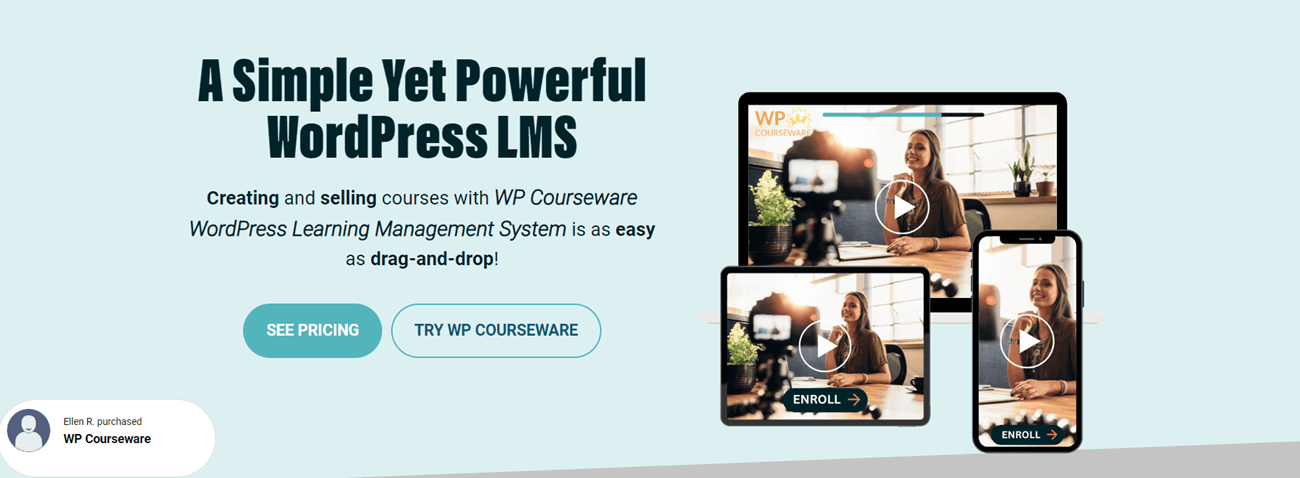
Launched in 2012, WP Courseware is the first-ever WordPress course plugin. Still a force to be reckoned with, it empowers over 20,000 active creators and boasts over 250 features.
Key Features and Pros
➤ WP Courseware has continuously evolved, but its core focuses on four key areas:
- Effortless Drag-and-Drop Course Building
- Flexible Sales Control
- Engaging Multimedia Learning
- Growth-Oriented Integrations
➤ WP Courseware boasts an intuitive and easy-to-use interface, making it accessible for creators of all experience levels.
➤ If you encounter any bumps in the road, you have access to reliable customer support for assistance.
➤ A 30-day risk-free guarantee lets you test-drive the platform with confidence.
➤ All subscription plans offer unlimited courses and students, allowing you to grow your online school without restriction.
➤ You can experience WP Courseware firsthand with their free live demo site before committing.
➤ WP Courseware provides a comprehensive sales reporting dashboard, allowing you to track all your course purchases easily.
➤ Its automated email system can send notifications to both you and your customers after each transaction, keeping everyone informed.
➤ The plugin allows you to use various methods to charge your students:
- One-Time Fee
- Payment Plans
- Recurring Subscriptions
- Free Courses
- Course Bundles
Coupon Codes
➤ WP Courseware streamlines your sales process with built-in shopping cart functionality. To securely process student payments, simply integrate with Stripe or PayPal.
➤The plugin allows you to add quizzes throughout your modules, providing valuable insights into student learning.
➤ WP Courseware automatically generates default checkout, order confirmation, and terms & conditions pages for a seamless user experience.
Cons
✖ While generally user-friendly, WP Courseware can experience occasional bugs that might be tedious and frustrating to troubleshoot.
✖ Larger e-learning businesses may find WP Courseware’s features insufficient for their complex needs.
✖ Options for personalizing lesson appearance and structure might be less extensive than some users would prefer.
✖ WP Courseware doesn’t offer built-in live video conferencing or webinar functionalities.
✖ Importing existing course content from other platforms can be complex and inconvenient.
✖ There’s no free trial available, and WP Courseware doesn’t offer a permanently free version.
✖ Building a membership program within WP Courseware requires using a separate plugin.
Payment Options
There is no free plan or trial period. The plugin offers three paid options, with the main difference between them being the number of WordPress sites.
- Teacher – $159 / year – For two sites; ideal for entrepreneurs and small businesses who are just getting started
- Professor – $199 / year – For ten sites; suited for medium-sized businesses that want to grow their online course business.
- Guru – $279 / year – For twenty-five sites; caters to professionals and larger online course businesses.
WP Courseware stands out for its user-friendly interface and drag-and-drop course builder. It simplifies online course creation for both beginners and experienced instructors on WordPress.
Tutor LMS
Price: Starts at $199/Year
Trial option: There is a free version with limited capabilities
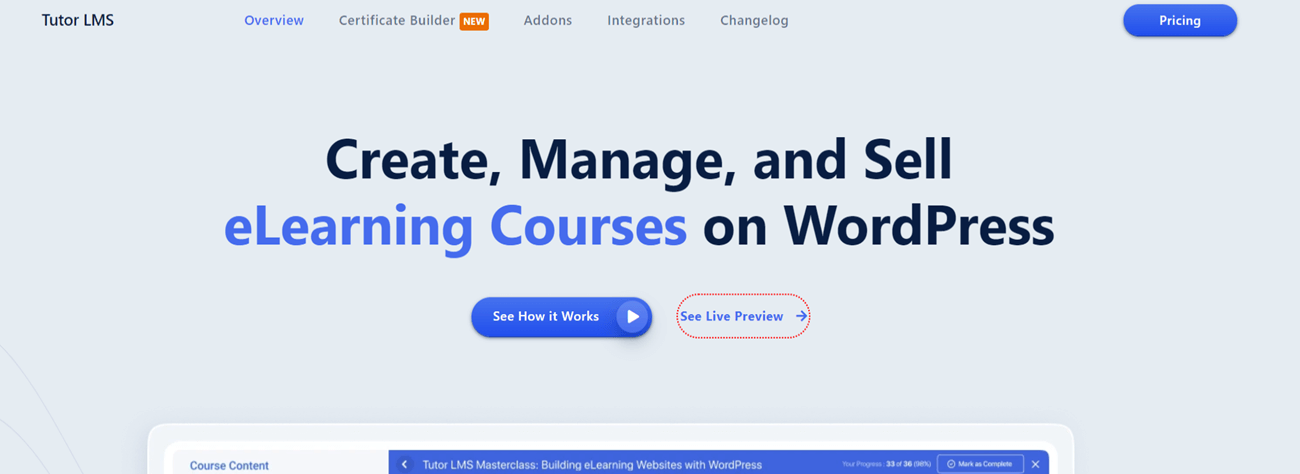
Launched in 2019, Tutor LMS has become a popular learning management system (LMS) plugin for WordPress, boasting over 70,000 active installations.
Key Features and Pros
➤ The plugin has an intuitive drag-and-drop builder.
➤ Tutor LMS allows you to create quizzes, assignments, lessons, and more to deliver a well-rounded and informative eLearning experience.
➤ You can maintain student engagement and optimize learning outcomes with powerful content drip functionalities. Included add-ons like Course Content Drip give you complete control over the learning path.
➤ The plugin allows you to create course bundles that package multiple courses together.
➤ Tutor LMS offers organized and personalized dashboards for both instructors and students.
➤ Tutor LMS’s assignment features to streamline the process and make eLearning more effective and engaging.
➤ Students can access the platform from their mobile devices.
➤ Track performance, analyze results, and make informed decisions about your eLearning platform.
➤ Tutor LMS allows you to create personalized notifications for your instructors and students.
➤The plugin offers pre-designed email templates for various events. You can even edit the template content directly within the settings.
➤ Tutor LMS is available in 27 languages, allowing you to reach a wider audience and expand your eLearning reach.
➤ You can offer your own courses directly or create a course marketplace where multiple instructors can sell their courses.
➤ Tutor LMS boasts the best-in-class drag-and-drop certificate builder.
➤ The plugin integrates seamlessly with popular options like WooCommerce, Easy Digital Downloads (EDD), and Paid Memberships Pro.
Cons
✖ Tutor LMS doesn’t have built-in payment processing, and you need to use third-party software.
✖ The prices of the paid versions have recently increased. While they still offer significant value, it’s worth considering the cost when making your decision.
✖ Tutor LMS currently has a smaller third-party add-on marketplace compared to a plugin like LearnDash.
Payment Options
The free version of Tutor LMS is surprisingly powerful and offers a robust foundation for building your online courses. However, if you want to upgrade, there are three paid plans you can consider:
- Individual – $199/year – Ideal for single-site use and instructors or teachers just starting out. It includes a one-year license for updates, priority email support, and even a free installation service by Themeum.
- Business – $399/year – A 10-site plan that caters to businesses and freelancers building multiple training programs or educational websites. It offers a one-year license with updates and priority email support, similar to the individual plan. For added convenience, you’ll receive two free installation services. However, for projects exceeding two sites, manual installation is required.
- Agency – $799/year – Suitable for high-volume users like large agencies and educational institutions. It offers unlimited site licenses, a one-year license with updates, priority email support, and a generous allotment of five free installation services to streamline your workflow.
Tutor LMS stands out as a complete eLearning plugin. Its user-friendly interface and powerful features provide website owners with the technical foundation to create secure and well-managed learning environments for their members.
LifterLMS
Price: starts from $149.50/year
Trial option: There is a free plan with limited capabilities
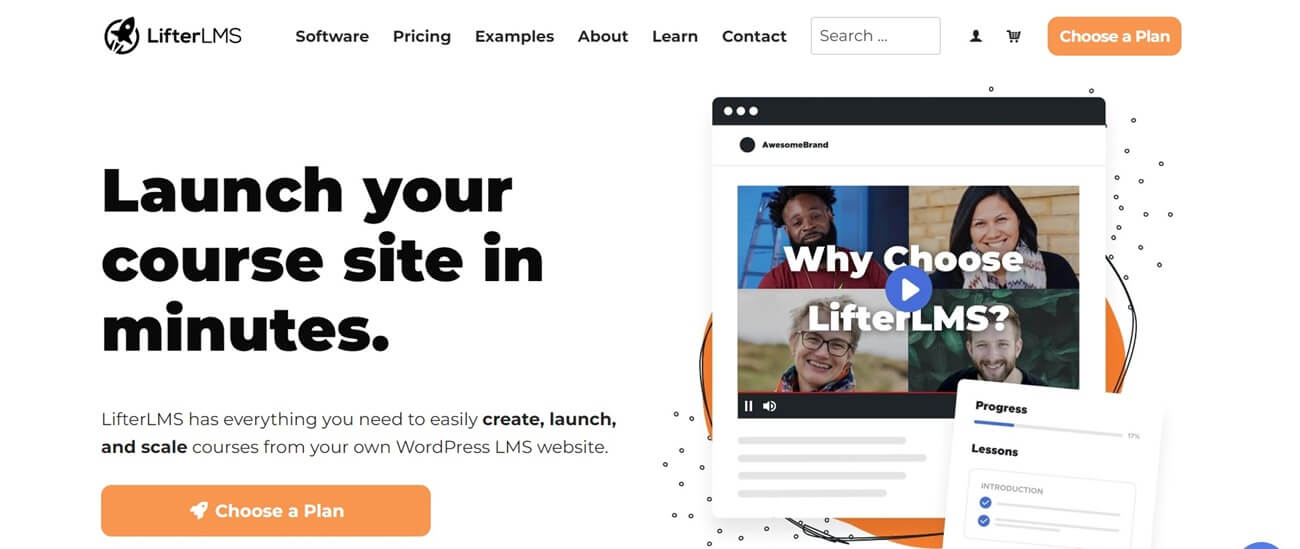
LifterLMS stands out for its user-friendly approach. They offer a free core plugin available on WordPress.org, boasting an impressive 4.7-star rating and active installations on over 10,000 websites. That is a lot of satisfied course creators.
Key Features and Pros
➤ The plugin caters to diverse learning styles by offering video, audio, text, image-based lessons, and more within your courses.
➤ You can create interactive multimedia quizzes to reinforce learning concepts and assess student comprehension.
➤ Lifter LMS has a user-friendly multi-tier drag-and-drop course builder.
➤ The drip content feature allows you to control student pace and maximize learning impact by scheduling lesson availability over time.
➤ The plugin allows you to design degree programs or certification paths by creating structured course sequences that students can complete in any order.
➤ You can build a multi-instructor platform or assign multiple instructors to collaborate on courses.
➤ Lifter LMS offers downloadable resources like worksheets, ebooks, PDFs, and audio files to facilitate offline learning.
➤ The plugin offers valuable in-app assistance in organizing and structuring your courses for maximum student engagement.
➤ The software has beautifully designed royalty-free certificate backgrounds, achievement badges, and more.
➤ LifterLMS’s drag-and-drop course builder streamlines the course creation process.
➤ The plugin offers robust support for video lessons. Upload, manage, and deliver your video lectures with ease, ensuring a smooth learning experience for your students.
➤ LifterLMS caters to various pricing models. You can offer one-time purchases, recurring subscriptions, free trials, course bundles, private upsells, coupons, and more.
➤ LifterLMS eliminates the need for a separate WordPress membership plugin. The platform includes built-in features for managing memberships, allowing you to simplify your website’s plugin ecosystem.
Cons
✖ LifterLMS itself can be cost-effective, and the price can increase significantly if you require multiple add-ons beyond a single payment gateway.
✖ LifterLMS offers some marketing functionalities but not extensive built-in marketing tools and may require additional plugins for marketing:
✖ Users report bugs and performance issues on larger sites.
✖ The majority of designs and templates feel outdated.
Payment Options
The good news is that the plugin offers a free version that can be sufficient for smaller startups. From there, you can pick from three paid options:
- Earth Bundle – $149.50/year – Single-site license with unlimited support for one user and essential e-commerce tools included.
- Universe Bundle – $249.50/year – Manages up to five websites with unlimited support for two users and access to a library of additional themes and integration add-ons.
- Infinity Bundle – $749.50/year – Manage an unlimited number of websites with support for three users plus ten additional advanced add-ons.
LifterLMS stands out as a versatile option, boasting a wide range of functionalities and excelling in membership management. Depending on your existing setup, you might need to acquire payment gateway integrations separately. However, LifterLMS offers compatibility with a variety of payment processors, ensuring you can find a suitable solution for your needs.
AccessAlly
Price: starts from $82.50/month for one year
Trial option: No trial option or free plan
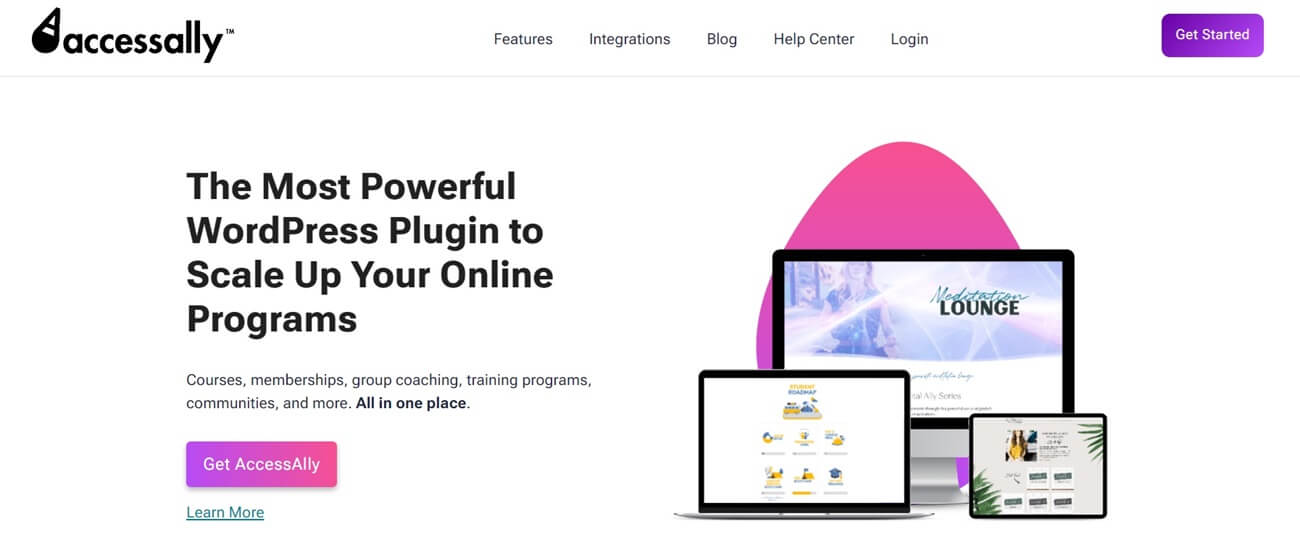
AccessAlly is a WordPress plugin that helps you create and manage online courses and memberships. It integrates with your marketing tools and CRM, so you can sell your courses more easily, teach them more effectively, and keep your students engaged. It has features like membership management, e-commerce, and gamification. AccessAlly is used by various organizations, including businesses of all sizes, nonprofits, and even industry leaders.
Key Features and Pros
➤ You can create interactive quizzes (graded, personality, or scoring) to test knowledge and boost student involvement.
➤ With AccessAlly’s plugin, you can effortlessly create mobile-friendly video courses using a simple drag-and-drop interface, making course creation a breeze.
➤ Easily integrate video content from various sources to create a smooth learning experience for your students.
➤ Access built-in reporting dashboards to monitor student progress in real-time.
➤ Track quiz scores, homework submissions, and overall engagement across courses.
➤ Integrate with your CRM or email platform for automated communication based on student activity.
➤ AccessAlly stands out with its unique CRM tagging and automation, enabling you to expand your product range and manage them efficiently. It also boasts of built-in affiliate programs, bulk course enrollment, and more, making it a comprehensive solution for your online course needs.
➤ Personalize communication and automate tasks based on CRM information.
➤ Send emails directly through AccessAlly or connect with other email platforms using Zapier.
➤ AccessAlly offers a flexible payment system, allowing you to set up recurring subscriptions, payment plans, or one-time purchases for your courses, accommodating various financial preferences.
➤ Securely process payments through Stripe or PayPal. AccessAlly handles multiple currencies, payment methods, subscriptions, and automatic tax calculations.
➤ Manage credits, refunds, and subscription cancellations with ease.
➤ Send each student customized invoices with your branding, payment details, and relevant information.
➤ Include custom fields and personalize invoices with student names and product details.
➤ Streamline the billing process and offer a professional experience for your customers.
➤ There’s no limit to the number of courses you can create with AccessAlly.
➤ AccessAlly offers many marketing features, including upsells, coupons, discounts, and one-click purchases.
Cons
✖ AccessAlly lacks a dedicated mobile app, so students can only access courses through a mobile browser on your website.
✖ While live courses are possible, AccessAlly doesn’t offer interactive webinar features. You will need a separate tool for live chat or consider live streaming on a platform like YouTube.
✖ AccessAlly doesn’t provide pre-designed course page templates.
✖ AccessAlly may be more expensive compared to the others on our list, but this is because it offers advanced features and a comprehensive solution for course creation and CRM.
✖ If you only need basic courses and have no plans for automation, the CRM features might be overly complex for your needs.
Payment Options
While there is no free trial, all plans have a 60-day money-back guarantee so that you can test it out risk-free. And speaking of plans, here is what you can choose from:
- AccessAlly Essentials – $82.50/month for one year, ideal for small businesses and solopreneurs
- AccessAlly Pro – $107.50/month for one year, suitable for online educators and marketers
- AccessAlly Community – $124.17/month for one year, tailored to the needs of coaches and community leaders
AccessAlly is an excellent investment if you want to grow your online business. The plugin offers not only courses but also membership and sale funnel features. AccessAlly’s CRM tagging and automation unlock a level of marketing and personalization that most other LMS plugins can’t match. It allows you to target and grow your audience effectively in unique ways.
So, there you have it! With a treasure trove of online course plugin options, you are ready to unleash your inner guru and share your wisdom with the world. Whether you are a budget-conscious beginner or a course-creating pro, a WordPress plugin exists to fit your needs. Remember, the best plugin is the one that clicks with you, so don’t be afraid to experiment and find your perfect teaching partner. And if you are not a WordPress fan or don’t have a website yet, don’t despair. Other options are available – you can always rely on an online course platform or sell your lessons directly via an online course marketplace. Both are fantastic ways to share your knowledge, attract an audience, and grow your business.