
Landing pages are a quick, easy, and inexpensive way to attract customers. These are the places where you present your products and services and where you send your potential customers. How successful your marketing strategy will be largely depends on how well your landing pages are done.
How Does the Landing Page Work?
A landing page attracts potential customers and invites them to do something you want them to do. For example, you are making handmade cosmetics but don’t have a website, yet you want to promote your products and increase your sales. You can create a landing page with one or two items and run ads that lead to it. This way, without having an online store, you can sell your items.
You can use landing pages not only to sell but also to gather information about your target audience. Here is another example. You are a child sleep consultant and want to do a course for parents. You create a landing page where you explain the benefits of the course and offer your potential clients to give their contact details in exchange for a small gift (for example, a checklist with important information). That way, when you are ready to launch the course, you can email everyone who has already expressed interest in your services. There are many more ways that landing pages can be helpful for your business, but that would be a topic for another article.
What Is the Difference Between a Landing Page and a Website?
Websites have multiple pages, whereas a landing page is one page only that is used for a specific purpose. A well-done website must have the following:
- A header and footer
- A user-friendly navigation menu
- A couple of specific pages like a homepage, an about us page, and a contact page
- A blog (optional)
On the other hand, a landing page usually doesn’t have a header, it may be missing a footer, and there is no navigation menu. Sometimes, if you want to sell a specific product or service, you can add a cart, a payment page, and a thank you page. However, it is optional.
Now that we cleared the air and you know what a landing page is, let’s look at a few builders with reputations for being the best.
Disclaimer: Please note that this article may contain affiliate links.
Top Landing Page Builders
Before we describe each of the ten platforms, let’s announce which are the best among the best according to our research. We looked at over 50 software from which we selected the top 10, with 4 of them winning gold medals in the following categories:
Best for Sales Funnels: ClickFunnels
Flexible, user-friendly, and constantly evolving, Russell Branson’s software is touted as one of the best in the world for building sales funnels. Well, the latest version may have some minor hiccups, and if you search, you will always find someone unhappy with something, but that goes for all platforms. Suppose you are going out into the European or US market. In that case, ClickFunnels is the builder that will help you attract a high-converting audience quickly.
Best for Email Marketing: ConvertKit
Collecting contact data and building contact lists is one of the most important and time-consuming tasks marketers face. Fortunately, ConvertKit makes this process as easy as child’s play. With cooperative customer support, intuitive design, and convenient and unique email features, this platform will help you pull one breast ahead of the competition.
Best Price-quality Ratio: Landingi
More and more, we are seeing the prices of software products rise without changing the quality of the services offered. At some point, we end up paying double to use a handful of basic features. If you feel that way, then you are not using Landingi. It is one of the easiest platforms to work with and offers an ample feature set. You get, at times, more benefits for a perfectly reasonable, not to say low, price. Landingi is an ideal solution for bloggers, digital agencies, and small businesses. If you fall into this category, definitely give it a look.
Easiest to Use: ConvertBuilder
There are no two opinions on the matter – ConvertBuilder is a very high-class software product created for the international market by several talented Bulgarians. The software is straightforward with its intuitive interface and convenient page editor. Now, you have no excuse for not making a landing page yet.
Let’s quickly compare features before entering each software’s features, strengths, weaknesses, and subscription plans. In theory, all landing page builders have similar traits, such as a certain set of built-in templates and integration with multiple platforms. Still, some important features are defining when making a purchase decision.
| Builders | Integration with email marketing platforms | Built-in email marketing module | Creation of sales funnels | Suitable for building a whole website | Membership function | Drag and drop editor | A detailed analysis of the results | Built-in sales functionality | Customization via code |
|---|---|---|---|---|---|---|---|---|---|
| ConvertBuilder | ✓ | ✓ | ✓ | ✓ | ✓ | ✓ | ✓ | ||
| Leadpages | ✓ | ✓ | ✓ | ✓ | ✓ | ✓ | |||
| ClickFunnels | ✓ | ✓ | ✓ | ✓ | ✓ | ✓ | ✓ | ✓ | |
| Instapage | ✓ | ✓ | ✓ | ✓ | ✓ | ||||
| SamCart | ✓ | ✓ | ✓ | ✓ | ✓ | ✓ | ✓ | ||
| Unbounce | ✓ | ✓ | ✓ | ✓ | ✓ | ||||
| Landingi | ✓ | ✓ | ✓ | ✓ | ✓ | ||||
| ConvertKit | ✓ | ✓ | ✓ | ✓ | ✓ | ✓ | |||
| Kickofflabs | ✓ | ✓ | ✓ | ||||||
| HubSpot | ✓ | ✓ | ✓ | ✓ | ✓ | ✓ | ✓ |
ConvertBuilder
Plans: Starts from $37/month for one year
Trial period: 14-day trial period; no credit card details needed

ConvertBuilder is a Bulgarian landing page builder based on and inspired by the infamous ClickFunnels. Everything other platforms can do; this one does it just as well, but it is way easier to understand and work with.
Functionalities
➤ The platform allows the seamless creation of landing pages, membership sites, pop-up ads, sales funnels, and many more different forms and elements, just like ClickFunnels 2.0.
➤ The software easily integrates with the most popular payment systems, such as Stripe, PayPal, Afterpay, etc.
➤ ConvertBuilder allows selling services and all kinds of products – digital and physical.
➤ The builder allows you to create membership sites with different subscription levels to make it as easy as possible for your customers.
Pros
✔ It is extremely easy and intuitive to create sales funnels, upsells, downsells, and cross-sells.
✔ The design and interface are intuitive, and everything is organized so that even people with no experience and programming knowledge can handle it easily and quickly.
✔ ConvertBuilder has plenty of built-in templates that can be managed via a drag-and-drop editor. All themes are responsive (suitable for different screen sizes).
Cons
✖ If you want to have huge freedom and modify themes endlessly, this is not the builder for you. The software only allows shortcodes within the selected ones.
✖ The platform’s capabilities may be insufficient if you want to run a massive marketing campaign and need detailed data and analytics. ConvertBuilder is suitable for small and medium-sized companies.
Payment options
ConvertBuilder offers a convenient 14-day trial period – plenty of time to familiarize yourself with the system and decide if it is for you. The platform offers three different subscription levels, and you can choose between paying annually or monthly.
- Growth – $47/month or $37/month for one year
- Ultimate – $77/month or $67/month for one year
- Agency – $217/month or $167/month for one year
There are no two opinions on the matter regarding value for money. ConvertBuilder is one of the software that gives the most to its users. You won’t go wrong if you test it. Remember that this one has limitations, like any platform. It is ideal for freelancers or people with small online businesses just starting out.
Leadpages
Plans: Starts from $37/month for one year
Trial period: 14-day trial period

Leadpages is among the most popular platforms for building landing pages. It can help you connect with your audience, gather information about your leads, and make sales quickly and easily. The software makes landing pages, banners, alert strips, ads, one-page websites, pop-ups, and much more.
Functionalities
➤ The platform has many features, including AI-generated headlines, lead magnet creation, SEO of created pages and sites, etc.
➤ The software allows seamless integration with email marketing platforms such as MailChimp, AWeber, or ConstantContact, as well as webinar and podcast platforms.
➤ Leadpages integrates with over 40 different products, including Google Analytics, Facebook ads, and live chat software.
➤ The platform has a very well-developed notification system, so you can set yourself up to receive notifications and alerts when various events occur, such as a new user signing up for your newsletter.
➤ All pages and sites created with Leadpages come with an SSL certificate and HTTPS protocol protection, whether you use your domain or the one provided by the platform.
➤ The data you collect with Leadpages is handled securely and following GDPR requirements. You can easily add an active consent checkbox to any landing page or pop-up form.
➤ The platform offers real-time analytics to help you track your results without lag.
➤ Leadpages has integration with online stores and various payment systems, so you’ll be able to make online sales and accept payments
Pros
✔ The builder is extremely easy to work with, and you don’t need much time or previous experience to create your landing page. The drag-and-drop editor further helps to build the pages or elements you need quickly.
✔ You don’t need to know how to write code to work with the platform.
✔ Leadpages offers templates for almost every business niche. There are over 200 free themes to choose from. If these aren’t enough – you’ll still find what you need in the software’s paid library.
✔ You can filter the themes by “highest conversion” to always use templates with the most significant effect on your target audience.
✔ In addition to a wide assortment of themes, Leadpages can delight you with many additional widgets to add to your page.
✔ All templates are optimized for mobile devices and smaller screens, so your website or landing page will look great no matter what your potential customers open it on.
✔ It is easy to create A/B tests as the platform has built-in analytics features.
✔ You can create websites and pages in over 180 languages, including English.
Cons
✖ Customization is not a strong point of the platform, and you will encounter many difficulties if you want to “go beyond” the boundaries of your chosen theme.
✖ As standard, much of the functionality is limited on the low end and only available on the high end.
✖ Currently, the builder menus, widgets, and the editor only support six languages – English, Spanish, German, French, Portuguese, and Italian.
✖ Although you can see how your page would look on different devices, you cannot change its design. What you see is what you get.
✖ If you want your landing page to be in multiple languages, you must use an external plugin, as the platform does not have this functionality.
✖ The page editor can give you a bit of trouble when using it, as it often puts elements in the wrong place. It is a bit clunky and lacks intuitiveness, so creating your landing page may take you an idea longer.
Payment options
Leadpages offers only two plans to its users, and here, too, they have the option of single monthly payments or one total – annually.
- Standard – $49/month or $37/month for one year
- Pro – $99/month or $74/month for one year
The software also has a 14-day trial period, so you can ensure this is the right platform. Note that you must provide your card details even if you don’t make a purchase immediately.
If you decide that you want to use this builder but its capabilities are not enough, you can also upgrade to a specialized plan designed and tailored to your online business needs. The Advanced option gives you more control over the software and its features. Leadpages is one of micro and small companies’ best landing page builders. No big initial investment is required; you can set up almost everything yourself, and the results are enviably good.
ClickFunnels
Plans: Starts from $127/month for a year
Trial period: 14-day trial period; no credit card details needed
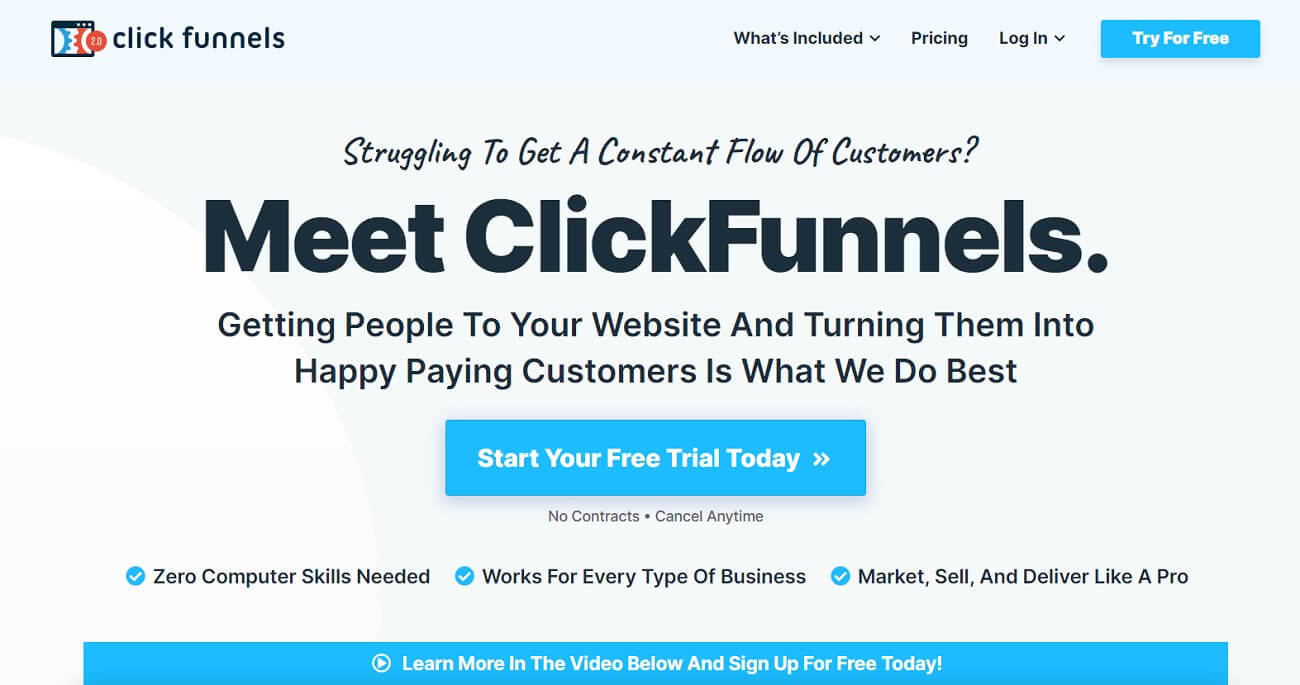
ClickFunnels is the world’s most popular platform for creating sales funnels and landing pages. Accordingly, there is a lot to be said for it. It was created by Russell Branson, the father of sales funnels. He has built hundreds of funnels for himself and his clients and sees first-hand what functionality a person needs to make the most sales. In 2022, they announced ClickFunnels 2.0, which is no longer just about creating landing pages and sales funnels but closing the whole circle.
Functionalities
➤ The platform allows you to build sales funnels, landing pages, websites, blogs, and even online courses. You can also create membership sites.
➤ The software has built-in email marketing functionality, so you don’t need additional software and wonder how to connect the two systems.
➤ ClickFunnels has a CRM module and offers workflow optimization so that everything takes minimal time and happens in one place.
Pros
✔ Split testing landing pages is extremely easy in ClickFunnels, with the software guiding you step by step.
✔ A wide selection of built-in responsive themes (suitable for mobile devices) exist. Some are a bit “old school,” sometimes you must dig deeper to find what you need.
✔ This is one of the easiest platforms to manage to create entire sales funnels.
✔ The only builder on the list that allows you to run online event-type webinars to generate leads.
Cons
✖ There are still bugs here and there, as version 2.0 is still under construction. But the team is super professional, and it is only a matter of time before they fix a problem.
✖ If too overloaded, the editor can slow down and “skip.” It is not a common problem, but it happens.
✖ Because ClickFunnels 2.0 is designed not to need other platforms, integrations with some popular software are missing. But either way, if you want to use this particular builder, it makes sense to have everything in one place. That way, you save yourself the monthly fees to other platforms and all the work of integrating between them.
✖ There is no free plan, and the low subscription, as with many other platforms, is pretty incomplete. Since the software has many features, sometimes 14 days is not enough to test all of them.
Payment options
The builder offers a 14-day trial, after which you can choose one of three possible plans. These are paid on a monthly or annual basis and are as follows:
- Basic – $147/month or $127/month for one year
- Pro – $197/month or $157/month for one year
- Funnel Hacker – $297/month or $208/month for one year
Compared to all the other platforms on the list, this is one of the most expensive but offers a lot. ClickFunnels is for anyone wanting to generate more leads or sell a product or service online. And most of all, who wants to have everything in one place and not have to bother tying up dozens of systems and plugins? Finally, when you draw the line, using the most expensive ClickFunnels 2.0 plan is cheaper than relying on a cheaper builder and a separate system for sales funnels and email marketing.
If you’re looking for a cheaper option, you might consider ConvertBuilder. Inexpensive but just as high quality, this builder will help you run your marketing campaigns successfully and without emptying your bank account. And it has pretty much the same functionality as ClickFunnels 2.0.
Instapage
Plans: Starts from $199/month for a year
Trial period: 14-day trial period

Instapage is a platform that is primarily focused on building landing pages and getting the most out of them by increasing conversions. The software has several unique features that will make it easier for you to gather information, generate leads, and manage orders and sales.
Functionalities
➤ The platform offers a wide choice of functionalities. For example, there is no limit to the number of domains you can use, and the package price is not tied to the number of conversions (orders/sales).
➤ Instapage has integrations with multiple platforms, including Zapier, HubSpot, Salesforce and Marketo.
➤ The software is GDPR compliant, has an SSL certificate, and offers multiple features to secure information.
➤ The platform has built-in artificial intelligence to help you generate page content, listings, and ads.
➤ Instapage has several unique functionalities:
- Instablocks® – to quickly scale and rearrange content blocks on the page; you can save and use them as a template for future projects.
- Thor Render Engine® – Provides the fastest landing page load speed of any builder on the list.
- AdMap® – This feature lets you preview your ad campaigns and seamlessly link ads to relevant landing pages, all from one place.
Pros
✔ You get good value for your investment – the software offers a complete solution for building landing pages (and more).
✔ The interface is simple and easy to use. You won’t waste time trying to find your way around.
✔ The landing page building itself is also simplified, working with predefined templates where you can arrange all the necessary elements using a drag-and-drop editor.
✔ Instapage has a large set of templates – over 200. They are all divided by category, so it is easy to find the type you are looking for.
✔ The software offers useful collaboration tools for those working with a team or directly with a client. There is the ability to leave comments on the landing page design, allowing you to pinpoint the changes that need to be made and helping to simplify and speed up the workflow.
✔ The platform comes with helpful online documentation. If that isn’t enough, you can turn to responsive chat support, where you chat with people rather than bots.
Cons
✖ Compared to the other software in our ranking, Instapage is quite expensive.
✖ The lack of multiple plans affects the price quite a bit. It would be better to spread the functionality over two or three tiers instead of having everything in a bunch.
✖ The widgets you can use and install are limited and, in some cases, may be insufficient.
Payment options
Currently, the software has a 14-day trial period and only one possible plan, choosing whether to pay monthly or annually. If it is not enough for you, you can request a custom subscription set up for you.
Over the past few years, the Instapage team has changed formats and available subscription plans quite frequently in attempts to find the best strategy. So, it is not out of the question that there will be a price modification again soon.
We recommend this platform to anyone with experience building landing pages and regularly uses PPC advertising as part of their marketing strategy. Instapage could be a great option if you want to add additional functionalities like downloading your leads from each of your landing pages, visualizing your visitors’ behavior, delivering relevant post-click landing page experiences to every audience to increase conversions, and more.
SamCart
Plans: Starts from $39/month for one year
Trial period: 7-day trial period

SamCart is among the most convenient builders of whole sales pages for e-commerce right now. The software is designed solely to make it easier for you to market a product and maximize conversions. The product allows you to sell digital and physical products, and you can curate and create different sales funnels and pages.
Functionalities
➤ SamCart has a unique “localization” feature, so you can construct pages in any language and sell in the currency you want. Most builders have language and payment restrictions.
➤ The system integrates with several different digital wallets, such as Apple Pay and Google Pay, to make the user experience as easy as possible.
➤ Separately, the builder integrates with multiple other payment systems, platforms, email marketing software, and plugins.
➤ SamCart has special pre-sale, checkout, upsell, and cross-sell features. This makes creating sales funnels extremely easy.
➤ The software features “Smart Pixel Tracking” to track where every penny went for Facebook advertising, so you know where your sales came from and how successful the campaign was.
➤ The ability for your potential customers to donate to you is another exciting functionality.
➤ In addition to funnels and landing pages, the platform also allows you to build membership sites.
Pros
✔ The page editor is of the favorite type – “drag and drop,” providing flexibility and intuitiveness in building the required elements.
✔ Your platform comes with built-in templates, suitable for mobile devices and tailored to the requirements of online commerce.
✔ There are no limitations on what and how many products are offered.
✔ It is important to mention that the platform has no transfer fees. It all depends on the payment system you choose to integrate.
Cons
✖ As with most software with multiple subscription levels, the low plan is quite stripped down.
✖ The system itself doesn’t have many tools for in-depth analysis. You must rely on additional plugins to get everything a great online store needs.
Payment options
The platform doesn’t have a free plan but offers a 7-day test period. Just remember that you need to register your card and make sure to unsubscribe before the start of the payment period because your money will be automatically withdrawn.
SamCart has three plans that you can take advantage of, and the payments are standard – on a monthly or yearly basis:
- Launch – $59/month or $39/month for one year
- Grow – $119/month or $79/month for one year
- Scale – $299/month or $199/month for one year
It is definitely not among the cheaper landing page builders on the list. Still, it is the only one narrowly specialized for online marketing. So, if you have a virtual store and want to develop a successful marketing campaign, the investment is justified.
Whether you have a medium or small company, once you are in the e-commerce business, SamCart is one of the first builders to consider. There are cheaper solutions, but many can’t build a multi-layered sales funnel. And yes, you might have to rely a bit more on additional integrations and plugins, but the process is made as easy as possible and doesn’t take much time to set up. It is worth testing the platform because it holds many pleasant surprises.
Unbounce
Plans: Starts from $74/month for one year
Trial period: 14-day trial period for Launch, Optimize and Accelerate
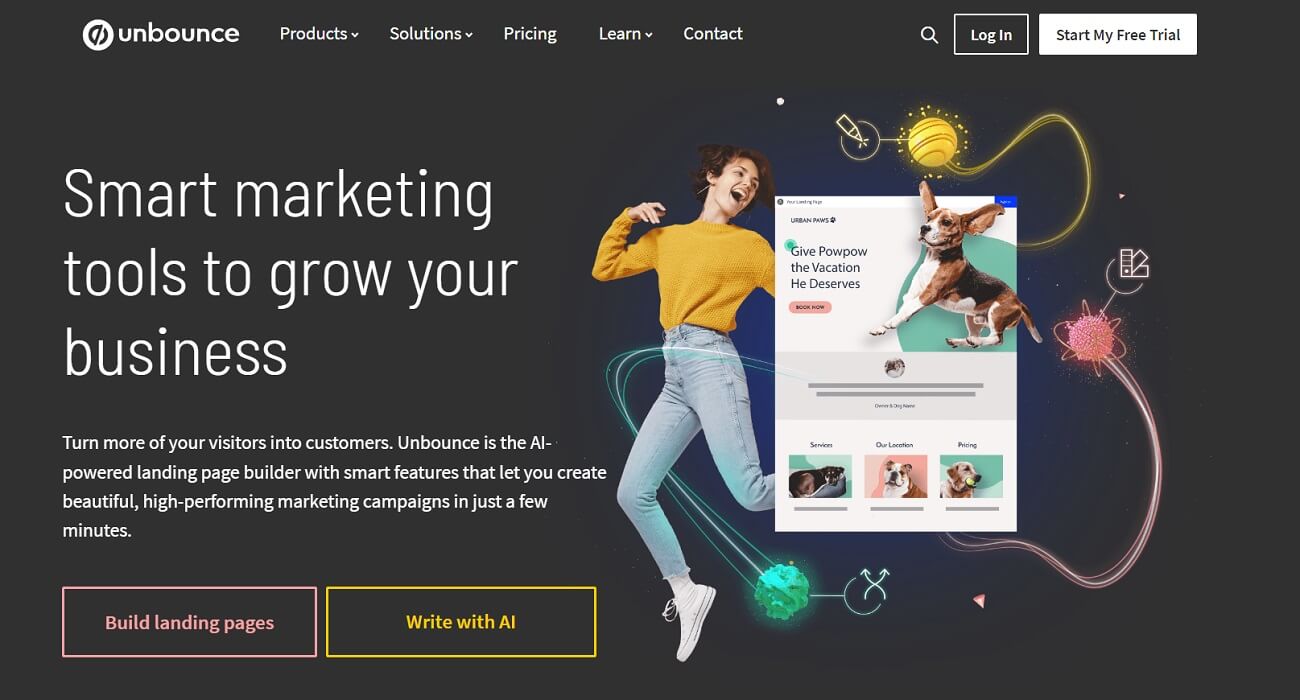
Unbounce is an easy-to-use builder that gives you the resources to create the best landing pages with just a few clicks. From the start, it is important to mention that the platform is designed primarily for WordPress sites. Although it lacks flexibility, the software is one of the most popular now, thanks to the attractive landing pages it allows you to create.
Functionalities
➤ Unbounce provides A/B testing and has a relatively well-developed SEO module.
➤ The software has integration with CRM systems and email marketing platforms.
Pros
✔ The builder is easy to use, as the page editor works on a “drag and drop” principle, i.e., you choose an element, “pick” it up with your mouse, and place it wherever you want on the page.
✔ According to users, using Unbounce as landing page creation software has positively impacted conversion (the success of a given campaign) by increasing it significantly.
✔ The templates provided are sufficient in number, designed for a wide range of industries, and have multiple uses. You can create product descriptions, advertising content, landing pages, and more.
✔ If the built-in themes are insufficient, you can use ThemeForest, which has a wide selection of paid options.
✔ The software also offers Chrome Extension, with which you can automatically create content and post it on social media.
Cons
✖ The main disadvantage of Unbounce is related to their refund policy and customer service. Users complain a lot about unfriendly employees who are unwilling to resolve a given issue or refund paid amounts.
✖ Many of the features offered are in Beta, i.e., what is included in the packages at the moment is still in a testing period, and many bugs may appear.
✖ Be aware that if you want to test landing pages that are not made on Ubounce, you will not be able to. The software limits A/B testing to external sources.
✖ Occasionally, you may have a problem with Google Analytics as landing pages “disappear” as a source, i.e., you cannot see the traffic and conversions they generate.
✖ A lot of features are missing in the low plan; therefore, if you want to use the platform’s full potential, you have to pay a lot more.
✖ Compared to its competitors, Unbounce is expensive for what it offers.
✖ Even though there is a customization option, it is limited and mainly enough for beginners. If you want to do something more complex, for example, add specific button classes to track clicks and conversions, you won’t be able to. You have to use additional HTML code.
✖ The platform menus are in English only, and there is no option to change the language.
✖ Customer support is also in English only.
Payment options
In terms of plans, Unbounce offers 4 of these, each with the option to purchase month-to-month or directly annually.
- Launch – $99/month or $75/month for one year
- Optimize – $145/month or $109/month for one year
- Accelerate – $240/month or $180/month for one year
- Concierge – $625/month or $469/month for one year
The difference between the two is 25% less in favor of the annual subscription. But even so, the platform could be more pricey than the other offerings on the list. The good news is that the first three plans, Launch, Optimize, and Accelerate, have a free 14-day trial option. So you can safely explore the builder and decide if you want to invest in it in the future or try some of the other software.
Overall, Unbounce is a pretty solid landing page builder. Yes, it has weaknesses, but you can safely trust it if it’s your first time creating a landing page. Intuitive and fast, the software will help you increase your conversions and easily reach your goals.
Landingi
Plans: Starts from $49/month for a year
Trial period: 14-day trial period and a free plan with limited capabilities
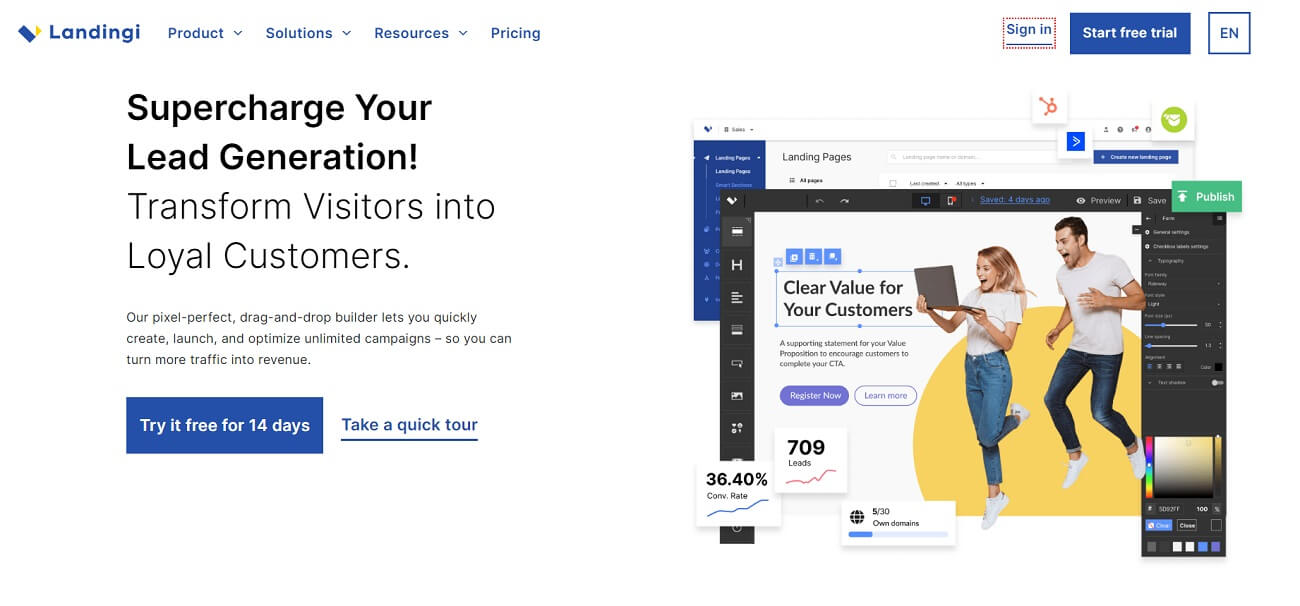
Landingi supports your marketing campaigns by building friendly and functional landing pages. With this software, you can create optimized pages that easily integrate with other platforms and quickly attract and convert customers.
Functionalities
➤ The platform allows you to create landing pages and various interactive elements such as popups, sales funnels, banners, etc.
➤ Landingi allows integration with over 40 software platforms to maximize and automate your work.
➤ The “Smart sections” option helps make bulk changes. For example, if you use the same element on different pages, you don’t have to redo each one. It is especially handy when you have created multiple landing pages and need to change a price, name, or add some text.
➤ The software has a scheduling feature that lets you specify a start and end date for your marketing campaign and page activity.
➤ Like all platforms listed here, this one allows you to run A/B tests to make sure you are using the option that converts best.
Pros
✔ There is no limit to the number and type of landing pages you create. Regardless of the plan, everything is unlimited.
✔ The editor is a drag-and-drop type, which makes it much easier to work with the platform and reduces the training time significantly.
✔ Landingi allows you to change the view of the landing page on mobile and desktop to maximize the user experience.
✔ The platform has over 400 built-in templates suitable for many business areas and marketing campaigns. All are tailored to the screen requirements of different devices or, in other words – are responsive.
✔ The software can be customized using HTML and CSS.
✔ Landingi gives you access to a huge library of free images and icons that you can use without limitation when creating your landing pages.
Cons
✖ The free plan is quite limited and definitely not enough to get a full picture of the software’s capabilities.
✖ The platform does not provide information for in-depth analysis. You will get more data from Google Analytics than from Landingi’s module, which can be a serious drawback if you run a complex marketing campaign.
✖ Users of the software sometimes complain that there is some lag and “skipping” when working with the mobile editor.
Payment options
As far as plans and test periods go, Landingi offers quite a few options. First, you can sign up for the free plan and try it to see if you like working with this builder. You can also benefit from the 14-day test period at the Professional level. And then you can start your monthly subscription:
- Professional – $49/month
- Agency – $139/month
Of course, you can directly pay for a monthly plan, but it is always better to test before you commit to a product. Impressively, the platform doesn’t offer payments on an annual basis but month-to-month. This can be quite handy when running seasonal campaigns.
If we have to do a price-quality comparison, Landingi is doing quite well, not to say excellent for its mid-level. If you need a builder with more features tailored for large corporations and big marketing campaigns, there might be a better solution for you.
Landingi makes creating landing pages quick and easy. It is convenient for beginner marketers and doesn’t take long to learn. Well, maybe it doesn’t have the capabilities of ClickFunnels, but its price is also significantly more affordable. If you are looking for a good and fast solution, we recommend you test Landingi.
ConvertKit
Plans: Starts from $9/month for one year
Trial period: 14-day trial period, no credit card details needed, and a free plan with limited capabilities
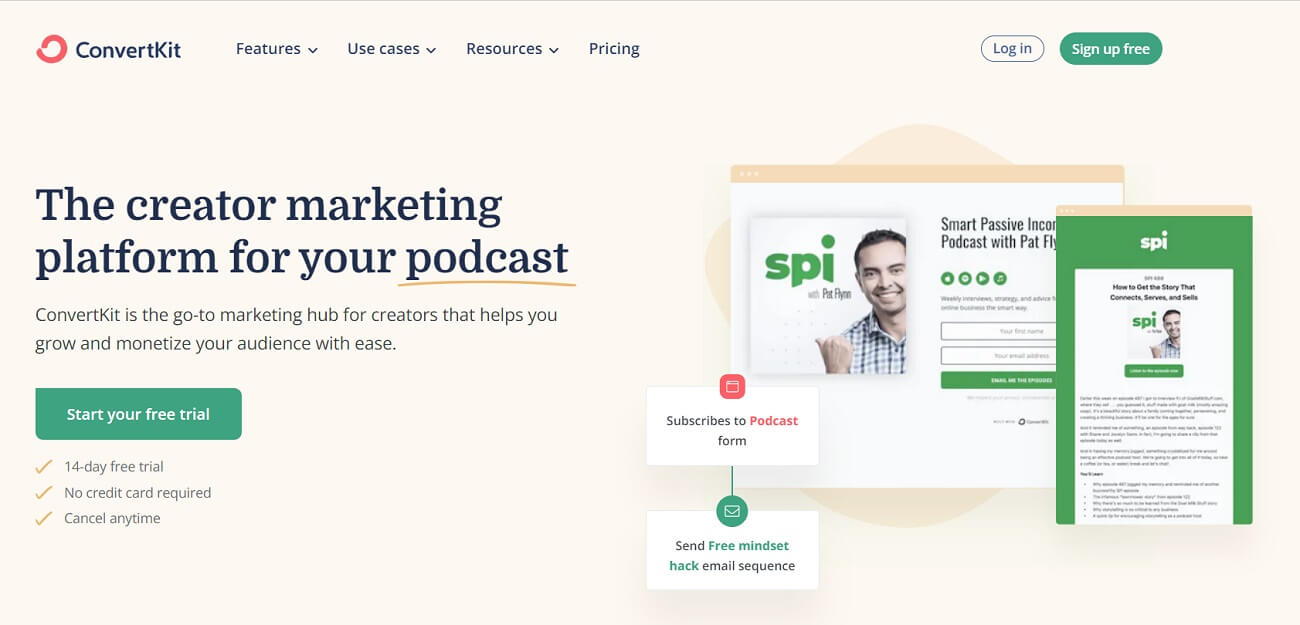
ConvertKit allows you to create lightweight landing pages that are well-suited for social media campaigns and in cases where you don’t have your website yet. Everything is easy and fast thanks to the built-in templates and the platform’s intuitive design.
Functionalities
➤ The software allows you to assign different tags to the different types of users it targets.
➤ You can create landing pages, email templates, and many other forms, ads, banners, etc.
➤ ConvertKit is designed primarily for bloggers, with easy integration with WordPress sites and various plugins.
➤ The platform has excellent support, with updates almost every month.
Pros
✔ You can use your domain, even with the free plan.
✔ The page editor is not complicated to work with, and it’s pretty quick to learn.
✔ The interface is intuitive and convenient.
✔ There is an option to create sales landing pages quickly.
Cons
✖ ConvertKit does not offer a wide choice of email templates – currently, there are only 9.
✖ The software is geared more towards email marketing than building landing pages. They are, instead, an additional option but not the core functionality.
✖ The reports are somewhat superficial. Metrics like open rate, CTR, and unsubscribe rate are included, but at the same time, there are no click maps, location tracking, and even bounce rate. The A/B test is also quite limited in its capabilities.
✖ ConvertKit puts a specific tag on inactive users – “cold tag,” and that is it. There is no way to add additional features and customization to this group.
✖ Cannot test auto-reply type emails. You can send a standard test email but not generate a test autoresponder.
Payment options
ConvertKit is quite generous when it comes to plans and free testing. Unlike most free options offered by the various platforms, which are mercilessly stripped down in terms of features, the one by ConvertKit is quite sufficient. The platform also has two additional paid options: monthly or yearly.
- Creator – $15/month or $9/month for one year
- Creator Pro – $29/month or $25/month for one year
Both plans come with a 14-day trial period, so you can safely decide the best option for your business.
Although ConvertKit is often talked about as email marketing software, the platform has many positive qualities. Software offers several unique features that could save you time and effort. For once, it is a standalone landing page builder that has a built-in email marketing module. So, you pay for one but get two highly functional and helpful platforms.
Kickofflabs
Plans: Starts from $19/month for one year
Trial period: 14-day trial period; no credit card details needed
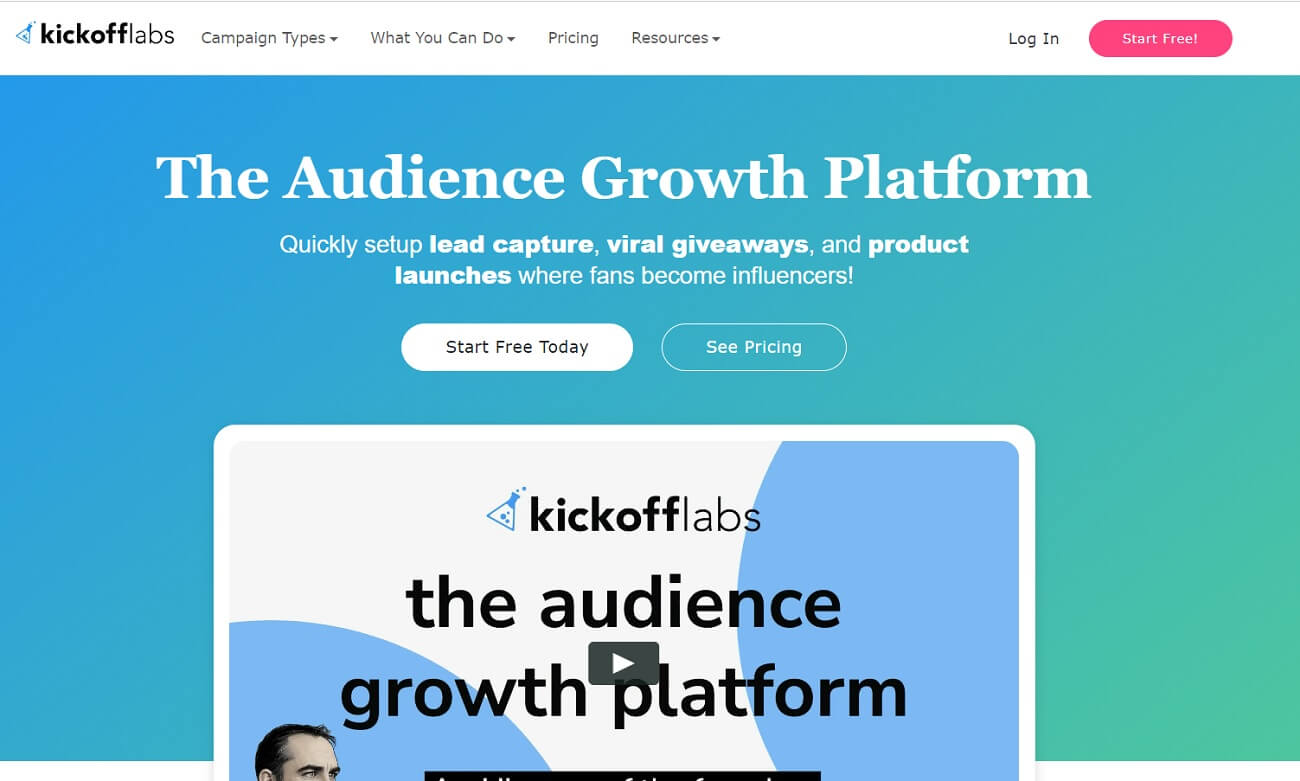
When discussing landing page creation platforms, we can’t help but mention KickoffLabs. The software is known for being secure and having a pretty simplistic working interface. Pages created with KickoffLabs usually convert quickly, a blessing to its friendly design and wide selection of widgets.
Functionalities
➤The platform offers the opportunity to run automated email campaigns and/or successful social media campaigns.
➤In addition to landing pages, different types of ads, forms, popups, thank you pages, etc. can be created.
➤The software offers several unique features, such as Referral Generation System and Referral Contests, that help you refer content to different social media to popularize it and make it more shareable.
Pros
✔ The platform allows unlimited landing page creation, no matter your plan.
✔ You can create high-converting affiliate programs.
✔In addition to email, you can also benefit from excellent phone support.
✔ Allows 100% CSS customization.
Cons
✖ Unfortunately, the creators of KickoffLabs do not offer a free plan.
✖ The page editor is not a ‘drag and drop’ type, sometimes making the platform slow and difficult for less experienced users.
✖ The software is not cheap, and for the money, you can get a much better solution, for example, ConvertKit.
Payment options
There are four paid plans, and interestingly, payments can be made semi-annually in addition to monthly and annually.
- Hobby – $29/month, $23/month semi-annually, or $19/month for one year
- Premium – $75/month, $59/month semi-annually, or $49/month for one year
- Business – $149/month, $119/month semi-annually, or $99/month for one year
- Enterprise – $299/month, $239/month semi-annually, or $199/month for one year
As you can see, the prices are not the lowest, but there are many payment options, and most importantly, you can take advantage of a 14-day trial period.
Overall, KickoffLabs offers many features related to results analysis, various templates, and convenient integration with multiple platforms. Unfortunately, the lack of an easy-to-use page editor makes it quite unsuitable for beginners and people without any experience in creating landing pages. If you are that type, you might be better off looking at some other platform. However, if you’re no stranger to writing code, you’re up for an adventure and can afford it, KickoffLabs can provide you with unlimited possibilities.
HubSpot
Plans: Starts from $18/month for one year
Trial period: No trial period, but there is a free plan with limited capabilities
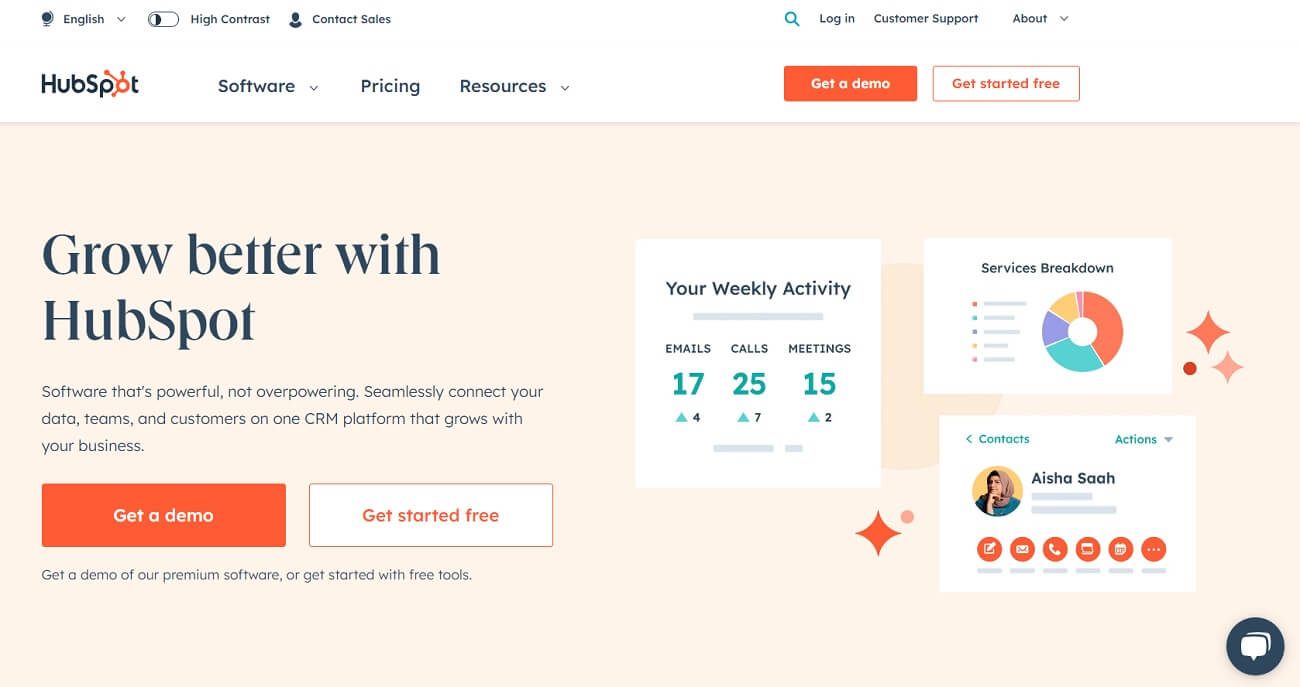
HubSpot’s platform is a content management system. Think of it as WordPress or Squarespace, with a built-in landing page tool like Leadpages and tightly integrated with your marketing automation tools (email software, for example).
One of the best things about HubSpot is that it is “split” into separate components:
- For maintaining a blog
- For maintaining website pages
- For creating and maintaining landing pages and other forms.
You can mix and match them. For example, you can keep your blog in WordPress and move your main site and landing pages to HubSpot, and it will be almost seamless for your visitors.
Functionalities
➤ HubSpot offers an exciting and helpful functionality called Adaptive Testing. You choose up to 5 variations of your landing page. Hubspot will start monitoring their performance and recommend the most suitable one.
➤ HubSpot is an all-in-one platform. All tools are fully synchronized with each other and provide a fast and compact solution for publishing content. This is especially important for small businesses with a small marketing budget.
➤ Smart Content functionality is one of the platform’s strongest weapons. It allows you to create personalized content for a specific user or audience. This is done by considering the membership type of the users, the device they use to open the page, the type of ad that drew them in, location, language, and a few other essential factors.
➤ HubSpot integrates with most web builders, email platforms, and marketing software.
Pros
✔ The page editor is a drag-and-drop type. It is extremely convenient and intuitive, requiring almost no time to learn how to use it.
✔ The platform is flexible and allows customization, including writing code.
✔ HubSpot has a rich library of built-in themes; all are tailored to the requirements of different screen sizes or, in other words, are fully responsive.
✔ The software has additional built-in protections against external attacks. It fully secures your data and the information you collect from your customers.
Cons
✖ Sometimes, the customization without coding can be a bit limited. Writing the code for a modification is easier than trying to achieve it through the editor.
✖ Ready-made templates of forms and modules are sometimes insufficient, and you must create what you need yourself. For this, you will need to write code.
✖ Although learning how to use the page editor is super easy, it takes significantly more time to get the hang of the whole platform. It is not complicated, but there are many tools and systems that are interconnected. If you are a beginner, don’t be intimidated and prepare yourself to have to read a lot more than with the other builders on our list.
✖ One of the biggest drawbacks of the platform is that it doesn’t keep a history of the different versions of the page. Only the current changes are saved.
✖ Pricing and choosing the right plan can be very confusing. You must check with your provider to avoid paying for something that won’t work for you.
Payment options
HubSpot CMS offers a free plan to help you get a feel for the system and decide if you want to continue. Remember that it is pretty limited, and you cannot create landing pages with it. The cheapest plan that might work for you starts at €18 monthly on an annual payment. The platform has several different subscription options depending on the size of your company and the modules you want to include. Marketing is available in 3 main variants.
- Starter – €20/month or €18/month for one year
- Professional – €880/month or €792/month for one year
- Enterprise – €3300/month
As you can see, the software is not cheap at all, and there is a huge difference in prices and features. HubSpot CMS is a true WYSIWYG platform (what you see is what you get), with which you can create attractive and functional landing pages without knowing how to write code. There are a bunch of other positives, but if you are a freelancer or the owner of a startup or small online business, don’t “jump” on this system. There are far more convenient, budget-friendly solutions that will work for you. Good alternatives are Clickfunnels, Leadpages, and ConvertBuilder.
Frequently Asked Questions
Let’s take a look at some of the most frequently asked questions about landing pages and the software used to create them.
What Are the Basic Elements That a Landing Page Should Have?
There is no standard way, or one-size-fits-all instruction manual, to create landing pages. They can be as different as their visitors. Different audiences are attracted differently, have different intentions and needs, and even have different perceptions regarding colors and design. However, a few common elements should be on every landing page.
The main components are:
- An impactful headline and sub-headline and informative and helpful content.
- A clear, unique selling proposition (USP) that differentiates what you offer from competing offerings
- A call to action (CTA) – What do you want your audience to do? To sign up for a newsletter? To buy a product? To take advantage of a service?
- The benefits you offer – What will your audience get if they do what you want?
- Social proof – This is the proof of the benefits people have already received from your offer. For example, reviews from satisfied customers, photos or videos of your products, etc.
Do Landing Pages Need Their Domain?
All landing pages and websites need a domain and hosting. The landing page should have a name and be stored somewhere. However, not all landing pages require purchasing a domain and hosting specifically. There are several options:
- Your landing page builder allows you to create and host pages with subdomains created by the platform. For example: www.mysite.hubspot.com
- You have an existing website to which you “pin” the new landing pages.
- You buy a domain and hosting specifically to create a landing page – this is possible, but it is pointless. There is no need to pay for something temporary that you will get anyway as part of your subscription plan to any landing page builder.
Can I Have a Landing Page If I Don’t Have a Website?
You don’t have to have an entire website to create a landing page. Even if you are just launching your business, it is recommended that you start with one landing page and a few ads leading to it rather than “locking” large amounts of money and time into building an elaborate website. Landing pages can exist entirely on their own or “tied” to your website.
Can I Use a Website Builder to Create a Landing Page?
It all depends on what website builder you use. But in general, you can make a landing page with almost any. The question is whether you can create a whole funnel with upsell and cross-sell. Do you have a payment system tied in with email software? If all the functionality is there in your builder, then you can proceed with it. If you still want to know more about website-building platforms, you can take a look at our research on the best website builders.
Which Is the Best Landing Page Builder?
Most builders have the same foundation, but the question is what additional features you want. If you wish to do sales funnels, send emails through the specific builder, or it should integrate with the platform you are already using for email marketing. There is no bad or good builder. There are just right and wrong software for your needs. So before you dive in deep and search and choose, describe very precisely what you want the platform to be able to do. Once you have clearly articulated your requirements and goals, discovering the right landing page software will be much easier.
One piece of advice: test everything that can be tested. After all, that is what free trial periods and unpaid plans are for. Try out all the software you fancy without worry and finally make an informed decision. Don’t be afraid to experiment. My favorites are ClickFunnels, ConvertBuilder, Leadpages, and SamCart, for more specific guidance.